

Before you launch
You have a line that can text leads first: a Two-Way line (up to 50 new contacts a day) or a Shared line (up to 15). Inbound lines have no outreach and can’t start conversations. See Buy a line.
Your contacts are added or imported, with first names and full international phone numbers.
An AI agent is configured and its status is ON, so replies get answered right away.
You have enough AI credits for the replies you expect.
Create a campaign
1
Click New Campaign
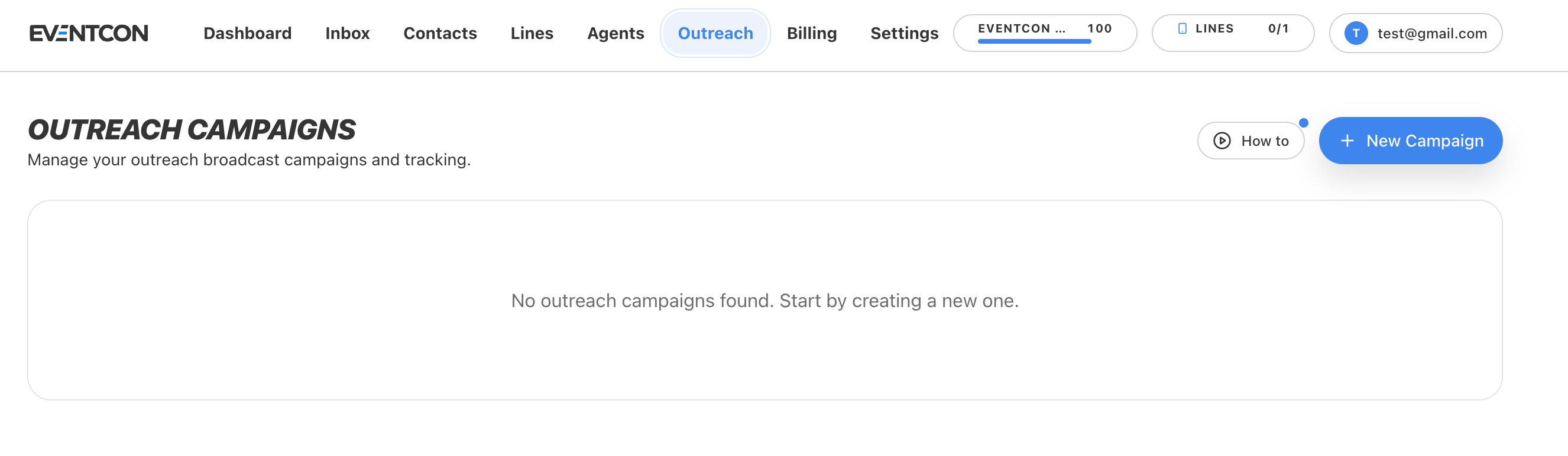
On the Outreach page, click New Campaign. To see a walkthrough first, click How to.
2
Choose your audience
Choose the contacts to message. Smaller, well-targeted lists, such as “VIP buyers from 2025”, get better replies than “everyone”.
3
Choose the line
Pick which connected line the campaign sends from.
4
Write the opening message
Write a short, personal opener that ends with a question. See the examples below.
Writing openers that get replies
The opener decides whether a conversation happens. Write it the way you’d text someone you’ve met once.- Ticket leads
- Call booking
- Past attendees
Do
Do
- Use their first name
- Say who you are and why you’re texting
- End with a question so replying is easy
- Keep it to one or two sentences
Don't
Don't
- Open with a link. Save links for after they reply.
- Write in ALL CAPS, or use “URGENT” or “LAST CHANCE”
- Paste a long paragraph or a flyer’s worth of details
- Send the same message to the same person twice