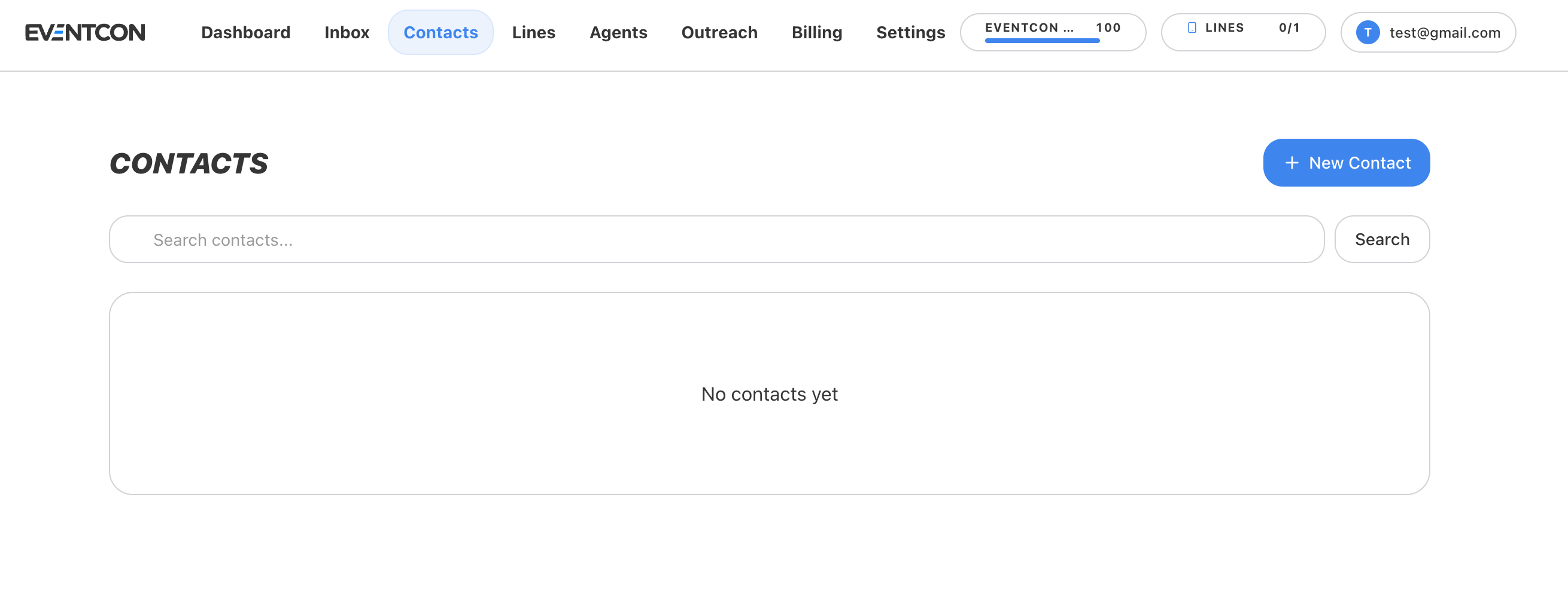
Contacts are your audience: ticket leads, registrants, past attendees, and anyone else you want to reach. Campaigns and AI agents work from this list.
Open Contacts
Click Contacts in the top navigation.
Click New Contact
Click New Contact in the top-right corner.
Enter their details
Enter at least a name and a mobile number, then save.
Enter phone numbers in full international format, including the country code, for example +1 415 555 0134. Numbers without a country code may fail to send, or reach the wrong person when you message across borders.
Import a list
If you already have a list, such as last year’s attendees or a ticketing platform export, import it instead of adding people one by one.
Before you import:
- Clean the list. Remove duplicates, test entries, and anyone who asked not to be contacted.
- Format numbers consistently in international format, with the country code.
- Include first names. Agents and opening messages use the first name to sound personal. “Hey Sarah!” gets far more replies than “Hello!”.
Type a name or number into Search contacts… and click Search.
Contact records are stored in EventCon’s CRM engine. That’s how a contact’s details, conversation history, and bookings stay together in one place. When you open a conversation in the Inbox, that person’s details appear in the right-hand panel.
Only add people who expect to hear from you, such as people who registered, bought before, or asked for information. See Messaging best practices.